¿Cuánta velocidad de Internet necesitas realmente?
50 Mbps
Navegación básica y correo electrónico. Ideal para: 1–2 dispositivos
50–100 Mbps
Streaming estándar y videollamadas. Ideal para: 3–4 dispositivos
100–400 Mbps
Streaming en HD y juegos en línea con poco retraso. Ideal para: 5–8 dispositivos
500+ Mbps
Streaming 4K intensivo, juegos, trabajo remoto y hogares grandes. Ideal para: 10–12 dispositivos
Preguntas frecuentes sobre la prueba de velocidad
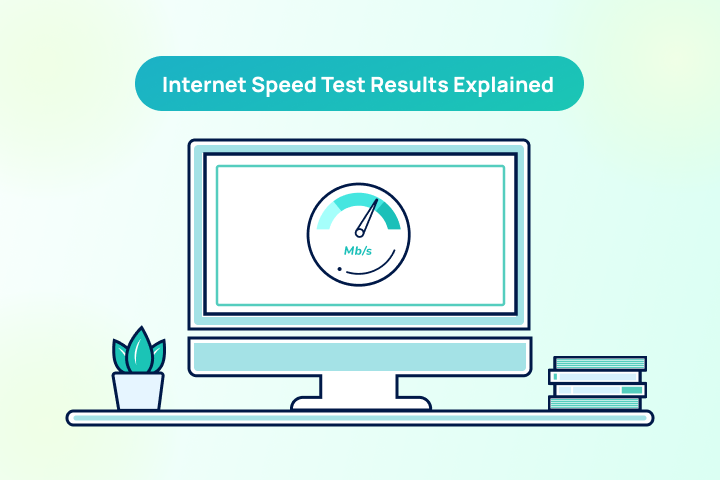
¿Qué es una prueba de velocidad de internet?
La mayoría de los proveedores de internet anuncian velocidades máximas, por lo que es común notar diferencias entre la velocidad real y la contratada. Una prueba de velocidad es una forma confiable de medir la velocidad y calidad de tu conexión actual.
¿Cómo pruebo la velocidad de mi internet?
Usa TestMySpeed para realizar una prueba en menos de un minuto. Solo haz clic en iniciar y nuestra herramienta ejecutará diagnósticos en segundo plano y mostrará los resultados de tu prueba.
¿Qué mide una prueba de velocidad?
Una prueba mide:
- Velocidades de descarga y subida: Indican qué tan rápido puedes descargar y subir archivos.
- Tiempo de ping: El tiempo que tarda una señal en ir y volver del servidor.
Estos resultados ayudan a evaluar el rendimiento de tu conexión a internet y confirmar si recibes la velocidad por la que pagas.
¿Cómo evito la limitación de velocidad del ISP?
La limitación del ISP ocurre cuando tu proveedor reduce intencionalmente tu conexión. Puede deberse a congestión de red o restricciones de tráfico. Una prueba rápida de Wi-Fi puede confirmarlo.
¿Por qué mi internet es tan lento?
Varios factores pueden causar internet lento, como congestión o distancia del router. Ejecutar una prueba de ancho de banda puede ayudarte a medir la diferencia. Si no puedes solucionarlo, contacta a tu proveedor.
¿Cómo puedo mejorar la velocidad de mi Wi-Fi?
Hay varias maneras de mejorar tu Wi-Fi. Consejos efectivos:
- Coloca el router en un lugar central.
- Evita objetos metálicos cerca.
- Usa un extensor Wi-Fi
- Actualiza el firmware del router.