Berapa Kecepatan Internet yang Sebenarnya Anda Butuhkan?
50 Mbps
Penelusuran dasar dan email. Cocok untuk: 1–2 perangkat
50–100 Mbps
Streaming standar dan panggilan video. Cocok untuk: 3–4 perangkat
100–400 Mbps
Streaming HD dan game online dengan jeda minimal. Cocok untuk: 5–8 perangkat
500+ Mbps
Streaming 4K berat, game, kerja jarak jauh dan rumah besar. Cocok untuk: 10–12 perangkat
Tanya Jawab Tes Kecepatan
Apa itu tes kecepatan internet?
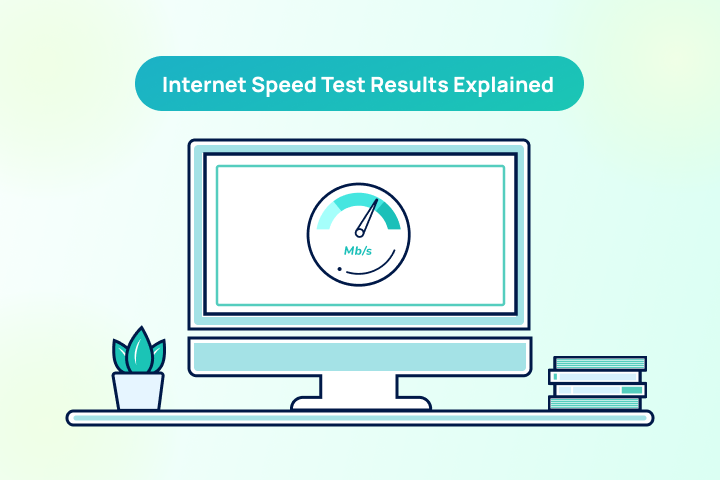
Sebagian besar penyedia layanan internet mengiklankan kecepatan maksimum, sehingga wajar jika ada perbedaan antara kecepatan aktual dan paket yang Anda pilih. Tes kecepatan internet adalah cara yang andal untuk mengukur kecepatan dan kualitas koneksi Anda saat ini.
Bagaimana cara menguji kecepatan internet saya?
Gunakan TestMySpeed untuk melakukan tes dalam waktu kurang dari satu menit. Cukup klik mulai dan sistem kami akan menjalankan diagnosis di latar belakang serta menampilkan hasil tes Anda.
Apa yang diukur oleh tes kecepatan internet?
Tes ini mengukur:
- Kecepatan unduh dan unggah: Menunjukkan seberapa cepat Anda dapat mengunduh dan mengunggah file.
- Waktu ping: Waktu yang dibutuhkan sinyal untuk pergi dan kembali dari server.
Hasil ini membantu menilai kinerja koneksi internet Anda dan memastikan apakah Anda mendapatkan kecepatan sesuai dengan yang dibayar.
Bagaimana cara menghindari pembatasan kecepatan oleh ISP?
Pembatasan ISP terjadi ketika penyedia memperlambat koneksi secara sengaja. Hal ini bisa disebabkan oleh kemacetan jaringan atau pembatasan jenis lalu lintas tertentu. Tes Wi-Fi cepat dapat membantu memastikannya.
Mengapa internet saya sangat lambat?
Beberapa faktor dapat menyebabkan internet lambat, seperti kemacetan jaringan atau jarak dari router Wi-Fi Anda. Tes bandwidth dapat membantu mengukur perbedaannya. Jika tidak dapat diatasi sendiri, hubungi penyedia Anda.
Bagaimana cara meningkatkan kecepatan Wi-Fi saya?
Ada beberapa cara untuk meningkatkan kecepatan Wi-Fi Anda. Tips efektif meliputi:
- Tempatkan router di lokasi tengah.
- Hindari benda logam di dekat router.
- Gunakan penguat Wi-Fi
- Perbarui firmware router Anda.